Whenever I talk to companies thinking about getting into reality capture, I advise them to think about the entire picture when it comes to cost. Most people think it stops with the hardware and software. While that is the majority of the cost, you need to consider the time someone needs to learn the workflow, training, storage, and most importantly, a beast of a computer to process the data. I spend a lot of my life watching a status bar slowly creep across a screen, and I can tell you that the amount of time and money you’ll save when you invest in a purpose-built computer is almost immeasurable.
That’s great to know, but there are a ton of options when it comes to computers. How do you know what components you need for the best bang for your buck? If you’re anything like me, you turn to the internet for videos on the subject. However, I’ve recently found out that those aren’t as helpful as one might think, as most are meant for gamers. While some aspects of gaming software translate to reality capture, a lot doesn’t.
PC manufacturers are not much help either. At this year's Autodesk University, I went to each of the computer manufacturers' booths and received basically the same answer from each one: “We leave testing individual software to the developers of the software.” While that doesn't seem like much of an answer, it does lead to the first bit of usable information. If you search hard enough on your specific software’s website, you should find the minimum and preferred hardware requirements. The "minimum" specs will generally get the software to work, but not well. The "preferred" specs are great information but generally just list the best components available.
What I wanted to know was, if I want to get the most out of a PC with the least cost, what components are the most important? Luckily, I was able to sit down with Chris Touchberry of Top Flight Computers, a bespoke PC builder that concentrates on purpose-built PCs for workflows like BIM, Photogrammetry, and Laser Scanning, to pick his brain on this very topic. Chris was able to confirm some of my beliefs and correct some things I had wrong. In an effort to help you, here is a breakdown of the most important components and when you should invest in them.
CPU: The Core of the Operation
We know reality capture software benefits from a good CPU, but the choice between core count and clock speed isn't straightforward. According to Chris, the decision depends heavily on your software and how much RAM you’ll need. For memory-based software like Faro Scene, Intel is the way to go because of its superior memory controller. If you don’t anticipate needing more than 256GB of RAM, you’re fine with an Intel Core processor. For needs greater than that, you should look at an AMD Threadripper (TR/TRP) or Intel Xeon. AMD Ryzen is also a great choice for builds; however, you may need a high-end motherboard if you plan on using more than 128GB of RAM. Ryzen has historically had a subpar memory controller, which was only recently mediated with a BIOS update on a ~$500 motherboard.
GPU: It's All About the VRAM
My experience has shown that NVIDIA GPUs with CUDA support are crucial for software like Leica, especially when using autoclassification tools. Chris confirmed this and added that for reality capture, the approach to GPUs is different from gaming. Reality capture work is mostly single-GPU and VRAM-heavy. Therefore, the best strategy is to invest in a single card with as much VRAM as you can afford. Multi-GPU configurations are generally reserved for rendering and AI tasks, not reality capture. In a follow-up discussion, Chris also pointed out that for most reality capture software, the GPU selection is far less important than what the game-centric videos online would have you believe.
RAM: Don't Skimp on Memory
Reality capture is incredibly memory-intensive. Chris recommends a minimum of 128GB of RAM. While you can get by with 64GB in a pinch to save money, he notes that people tend to increase their business levels when they get a new PC, and that 64GB can be rapidly outstripped. If you need the ability to go past 256GB, you have to be on at least a Threadripper platform. For professional stability, ECC RAM is nice to have and is required for modern Threadripper and Xeon systems. These high-ECC builds can be a significant investment, but they allow your business to handle much larger projects and can turn weeks of processing into days.
Storage: Speed and Space
Fast storage is critical for a smooth workflow. The recommendation from Top Flight Computers is to use Gen4 NVMe drives, starting with at least a 1TB drive for the OS and a 2TB drive for projects. If you handle a lot of large jobs, you might consider a 2TB and 4TB combination, with a possible third 4TB drive for exports. While Gen5 drives are up to twice as fast, they are also twice the cost and not all applications can leverage the extra speed. For large-capacity backup, an SSD RAID using enterprise-grade drives can provide a responsive local backup of 20TB or more without the high cost of pure NVMe storage. Ultimately, while storage is important, it should be prioritized after the CPU, RAM, and GPU.
The Foundation: Cooling, Power, and Motherboard
Finally, you can't ignore the components that hold everything together. High-performance parts generate a lot of heat, which can kill performance and longevity. Chris recommends liquid cooling with high-end fans, as air cooling can become heat-soaked under sustained loads, leading to higher temperatures and noise. For the power supply, plan on at least 1000W, though systems can easily require 1200W or 1500W. The goal is to keep the unit under 75% of its maximum load for the highest efficiency. When it comes to the motherboard, the most important features are RAM capacity and the number of available PCIe lanes and slots to support your other components.
Example Setups:
| Build Name | Designed For |
|---|---|
Trimbler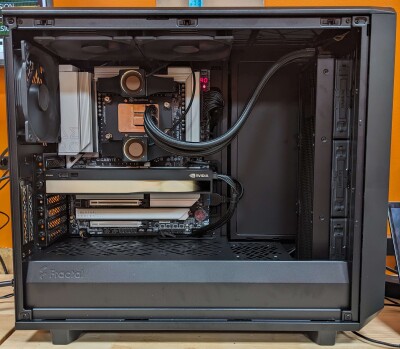 | Trimble Business Center, Pix4D |
Dirt Mover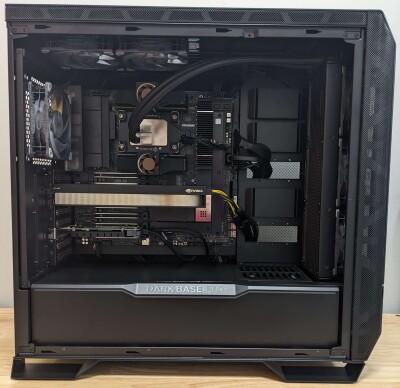 | Trimble Business Center, Photoshop, Bluebeam |
HydroSim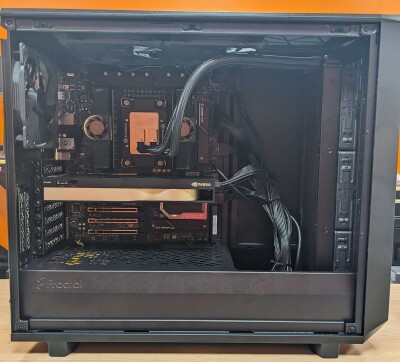 | ArcGIS Pro, PCSWMM, HEC-HMS/RAS, HydroCAD, Bentley OpenFlows Hydraulic, InfoWorks ICM, Civil 3D |
War Room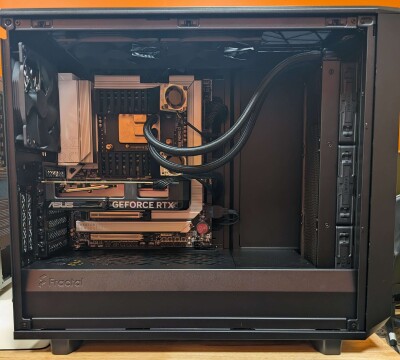 | AgTek, Trimble Business Center, Civil 3D, AutoCAD |
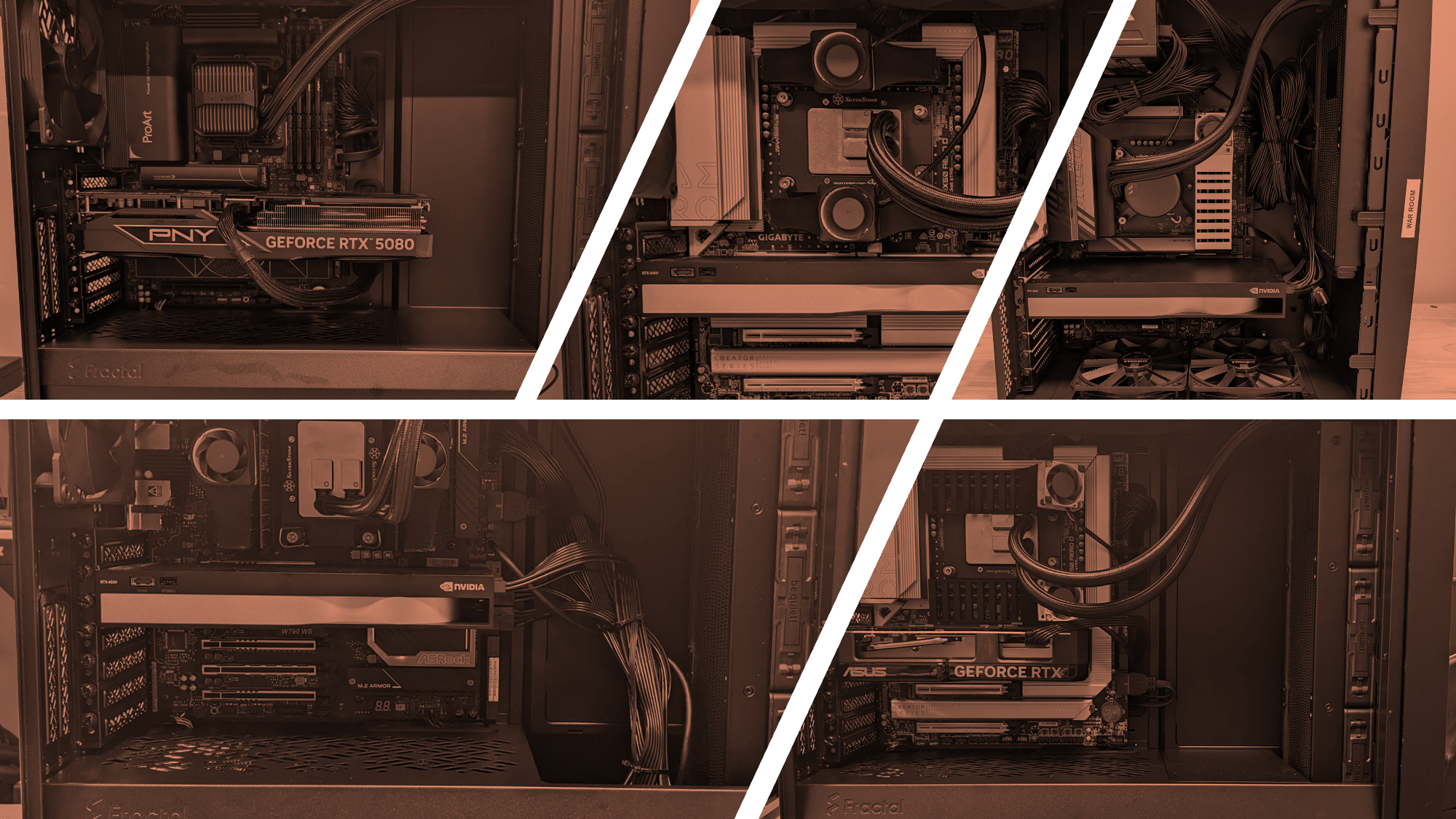
GeoExact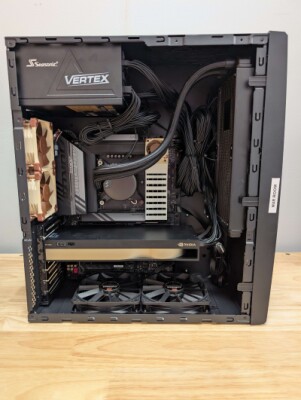 | Pix4D (~1250 photos), UgCS, Emlid Studio, Autel Mapper, Virtual Surveyor, Nira |
PDG ScanStorm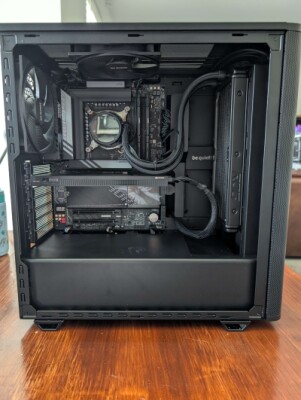 | Leica Register360, Leica 3DR, Leica Cyclone CORE, Autodesk ReCap, Pix4D, AutoCAD, Microstation |
Diamondback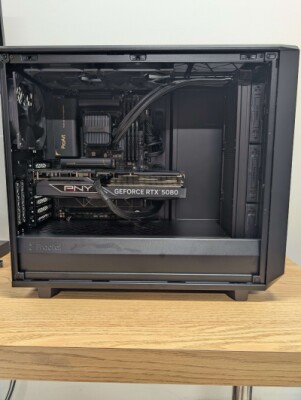 | GIS/Remote Sensing, LIDAR Processing, Image Processing, R/R Studio, ESRI GIS, Python |
Deep Thought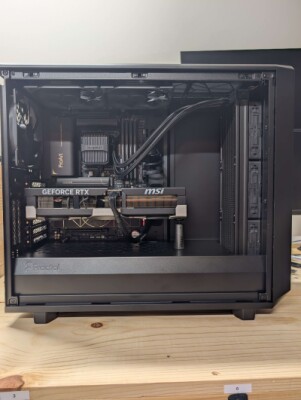 | LP360, Metashape, Pix4DMatic, TopoDOT, Microstation, NAVIS IVION, Trimble RealWorks, Civil 3D, Recap Pro, ContextCapture |
Conclusion
Building the right computer for reality capture isn't about simply buying the most expensive parts off the shelf; it's about making strategic investments where they count the most. The key is to create a balanced system tailored to your specific software and the scale of your projects. Prioritize a CPU and RAM configuration that can handle your data, followed by a single GPU with as much VRAM as your budget allows. Fast storage and robust supporting components complete the build, ensuring the entire system runs smoothly. By focusing on a purpose-built machine, you create a true workhorse that will save you countless hours and, ultimately, a significant amount of money.